GodView
Crypto futures command center
Four live candlestick panels. One symbol. Funding, open interest, and 24h heat in a single strip—without charting bloat or another monthly bill.
One-time unlock $3.99. No subscription.
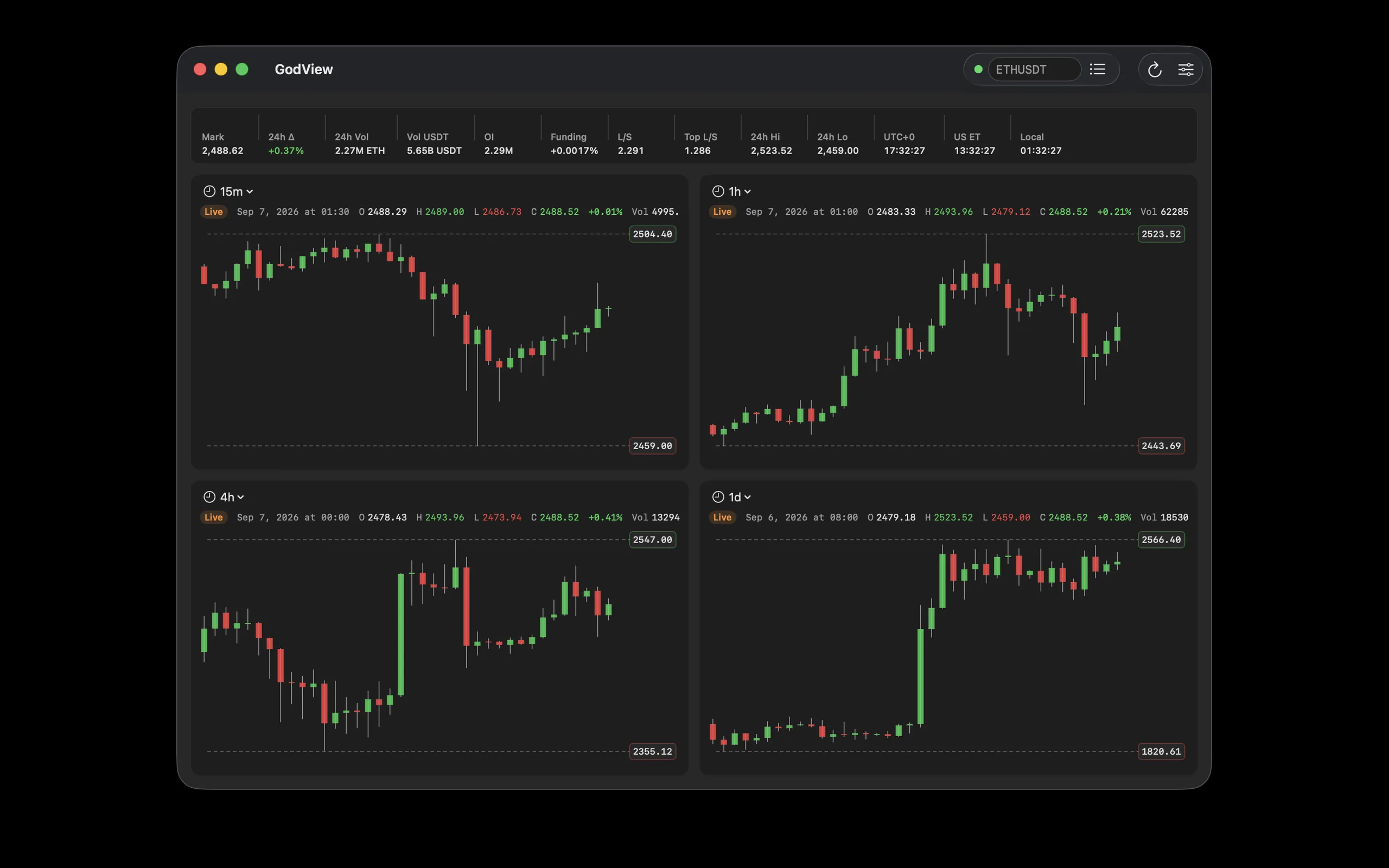
See it on every screen
Mac and iPad share the command-center grid. iPhone is built for stacked, on-the-go watching—screenshots are split by device on purpose.
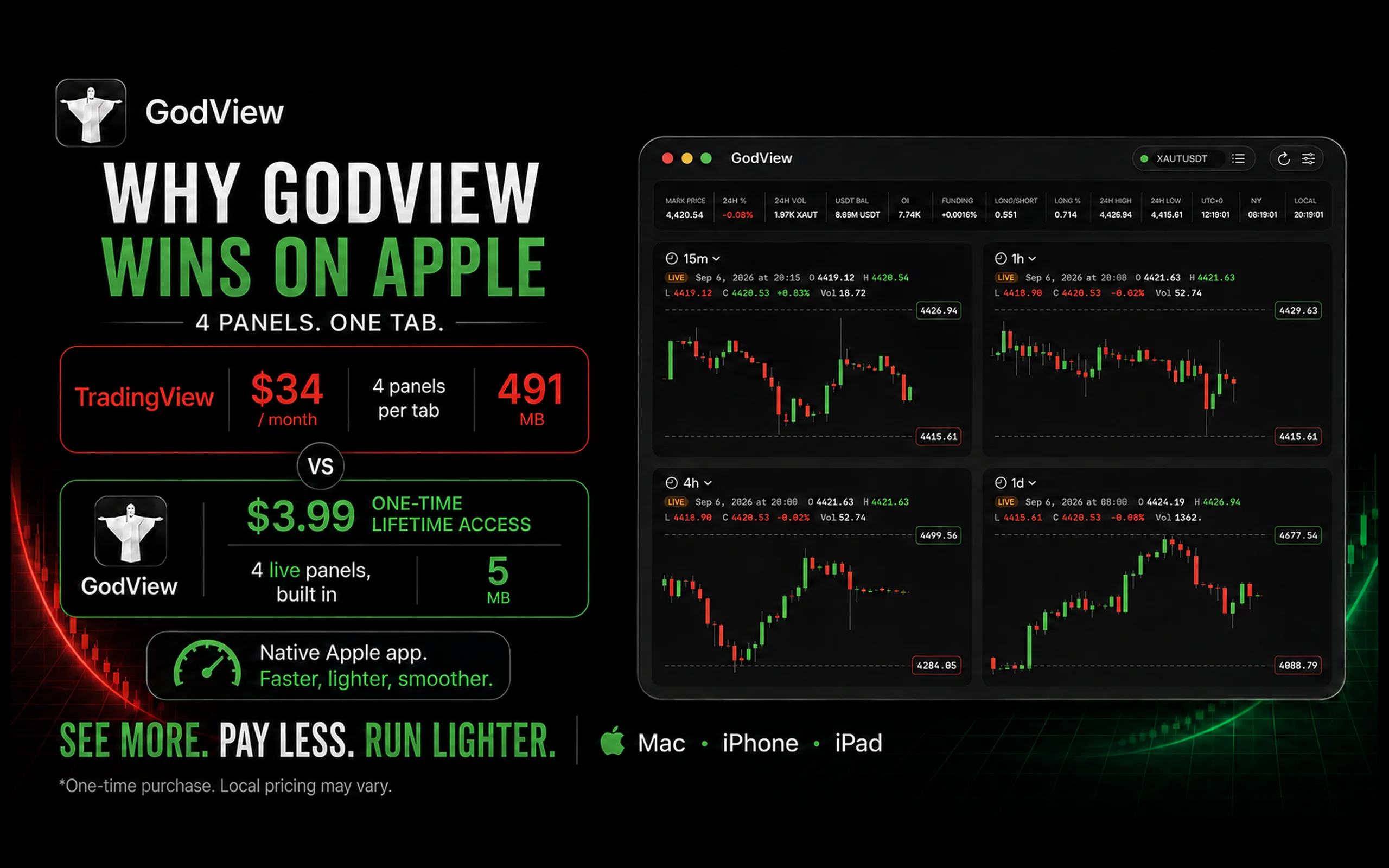
The whole market, at a glance
Keep four live charts, funding, open interest, volume, and more in one clear command-center view.
Real GodView captures, shown at their native Mac and iPhone aspect ratios.
Why traders switch
Focused workspace for Binance USDⓈ-M perpetuals—see structure and timing on the same screen.
Multi-timeframe clarity
Default 15m / 1h / 4h / 1d. Change any panel. Keep higher-timeframe structure locked while you hunt lower-timeframe entries.
Market pulse, not clutter
Mark, 24h change & volume, open interest, funding rate, long/short ratios, 24h high/low—live, in one strip.
Built light. Feels premium.
Native SwiftUI on Mac, iPhone, and iPad. Launches fast, stays lean, and looks expensive—without a subscription tax.
Read-only on purpose
No orders. No wallets. No buy/sell buttons whispering in your ear. Watch the market. Stay calm. Execute elsewhere.
Layouts that match the device
Same data model. Different chrome—so Mac/iPad feel like a desk, and iPhone feels like a glance.
Mac & iPad
2×2 chart grid with a horizontally scrollable metrics row. Hover crosshair on Mac; touch pan, tap, and long-press on iPad.
iPhone
Stacked charts and a paged metrics strip. Built for vertical scrolling and one-handed inspection on the go.
One price. Lifetime access.
No monthly charting subscription. Unlock once. Use forever.
GodView Lifetime
Full app unlock for Apple platforms
- Four live multi-timeframe charts
- Full metrics strip (mark, OI, funding, L/S, more)
- Mac, iPhone, and iPad
- Dark / light / system appearance
- Optional HTTP(S) / SOCKS5 proxy
- No recurring fees
FAQ
No. GodView is a read-only market viewer. There are no orders, wallets, or execution features.
A one-time App Store unlock for the full GodView experience on Mac, iPhone, and iPad for life (subject to Apple’s standard license terms).
Public Binance USDⓈ-M (USDT-margined) futures APIs—klines over WebSocket, history and metrics over REST. Always verify critical numbers on the exchange before acting.
Layouts differ: Mac and iPad use a 2×2 desktop grid; iPhone uses stacked charts and paged metrics. Showing them together would misrepresent the product.
No. GodView does not provide investment advice. Cryptocurrency trading involves substantial risk of loss.
See the whole picture.
Four timeframes. One strip of pulse metrics. Zero tab chaos.
Download on the App Store